


Spinstein App: Mobile Casino
The Spinstein app is ideal for users who prefer to play on mobile devices. It gives access to online slots, table games, and other casino content through a mobile-friendly interface. The platform is built to work across different devices, allowing players to use their accounts and games in a more flexible way.




Spinstein Mobile Platform
The Spinstein mobile platform focuses on speed, security, and simple navigation. Compared with standard browser use, the app format is intended to provide faster loading, smoother performance, and easier access to the main account features. Users can quickly open deposits, withdrawals, bonuses, and support tools without switching between multiple pages.
The platform is also built with attention to performance and account security. Its technical structure reduces delays during gameplay and supports safe transactions. Spinstein also updates its mobile platform over time by adding new functions and security improvements.
Spinstein Mobile App for Android
The Android version of the Spinstein app is available in a format that does not require a large installation file. It works as a progressive web application, which means users can add it directly from the official website in just a few steps.
Spinstein APK
The platform now relies mainly on the PWA version. Traditional APK files often require manual downloads and separate updates, which can be less convenient and may involve additional security risks. With the PWA format, Android users can access the latest version of the Spinstein mobile platform without manually installing updates.
PWA
For Android devices, the Spinstein PWA can be installed directly from the main website. Users need to open the homepage, tap the “Casino App” button, and follow the on-screen steps. After installation, the app icon appears on the home screen or in the device menu, making it easier to return to the platform.
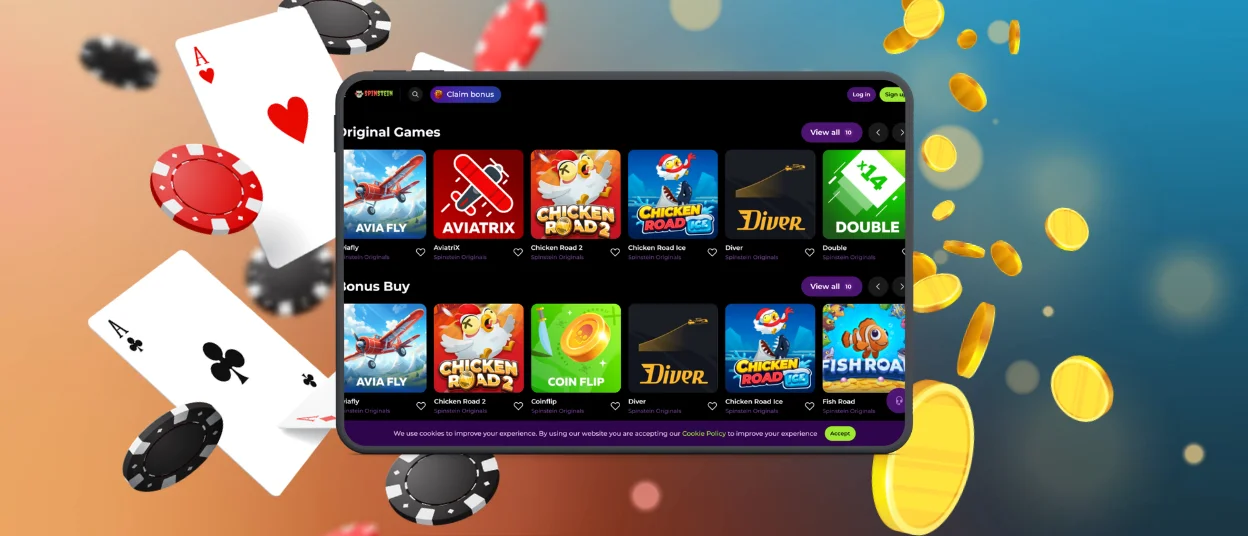
The interface is adapted for smartphones and tablets and adjusts to different screen sizes. As a result, users can access the full game library and account tools in a format that feels close to a standard mobile application.
Spinstein Mobile App for iOS
iPhone and iPad users can also access the platform through a web-based PWA version optimized for Safari. To install it, users need to visit the main casino page, tap the installation option, and add the app to the home screen. This method fits within Apple’s general browser-based usage model and avoids the need for a separate store download.
The iOS version is designed for touch controls, with navigation elements that are easier to use on smaller screens. It also supports push notifications, which may include updates about bonuses, new game releases, and other platform news.
Benefits of the Spinstein PWA are:
- improved security, since no extra installation files are needed
- no need to search for APK files on third-party websites
- no dependence on Google Play or the App Store
- low impact on device storage and battery use

Windows & macOS App Downloads
Spinstein can also be used on desktop devices, including systems running Windows and macOS. The desktop version is built to provide stable performance, clear graphics, and access to the same core features available on other versions of the platform. This includes support access, account verification tools, and the main gaming sections.
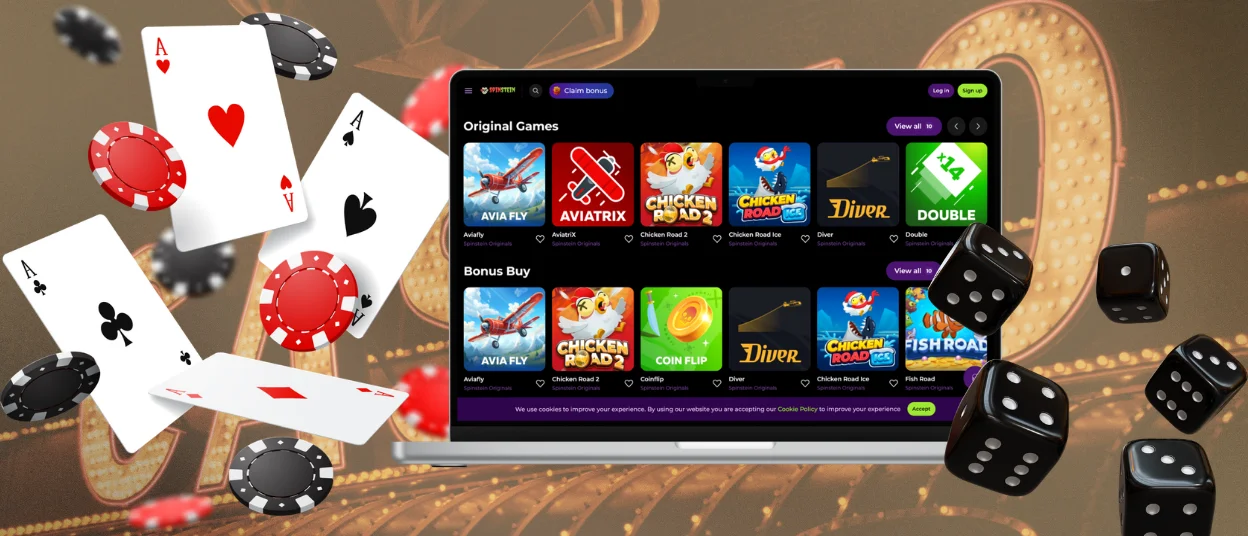
The platform works through supported browsers such as Google Chrome, Mozilla Firefox, Safari, and Microsoft Edge. This gives users the option to access Spinstein from a desktop or laptop without needing separate software in many cases.
| Pros | Cons |
| Can be launched directly from the browser without a full installation | Requires an internet connection and does not fully support offline use |
| Can be added from the website in a few minutes without large downloads or app store access | Performance depends on the browser and device being used |
| Always runs the latest version without manual updates | Some browsers or devices may limit push notification support |
| Works across different operating systems and mobile devices, including Android and iOS via Safari | In some cases, performance may be less consistent than in a fully native app |
| Takes up less storage space than a traditional installed application | |
| Benefits from browser security updates and built-in protection tools |
FAQ
Is customer support available in the Spinstein Casino app?
Yes, customer support is available through the Spinstein app as well as on the official website. Users can contact the support team via live chat at any time of day. The service is intended to help with technical issues, verification-related questions, and other account or platform matters.
Do I need an account to use the Spinstein app?
An account is required for users who want full access to the platform’s features, including deposits, withdrawals, transaction history, and gameplay with real funds. At the same time, some games may be available in demo mode without registration. To use all account functions, players need to complete the registration and verification process. This process is designed to support account security and provide access to the main casino services.
Are all games available in the Spinstein app?
Most of the games offered by Spinstein can also be accessed through the mobile app, including a wide selection of slots and other casino titles. At the same time, some games or features may only be available in the desktop version or web interface. For most users, however, the app includes the main game library and core platform functions.


